NEWFreeOffice Presentations 2024
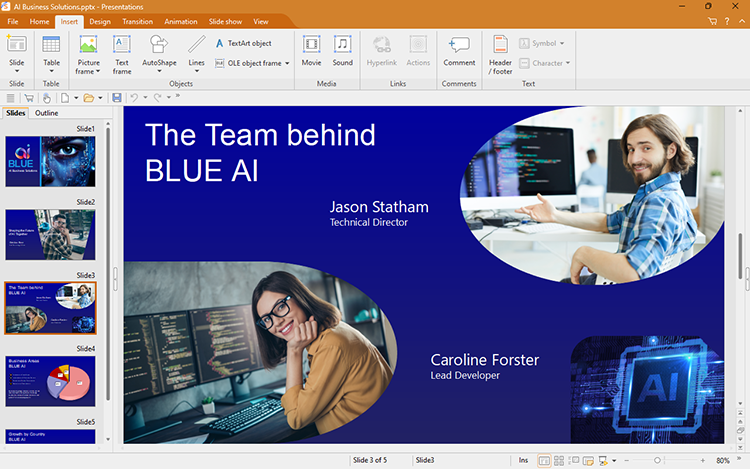
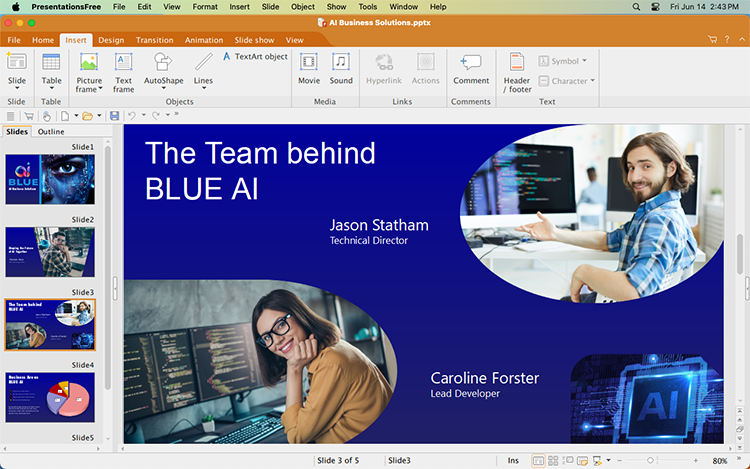
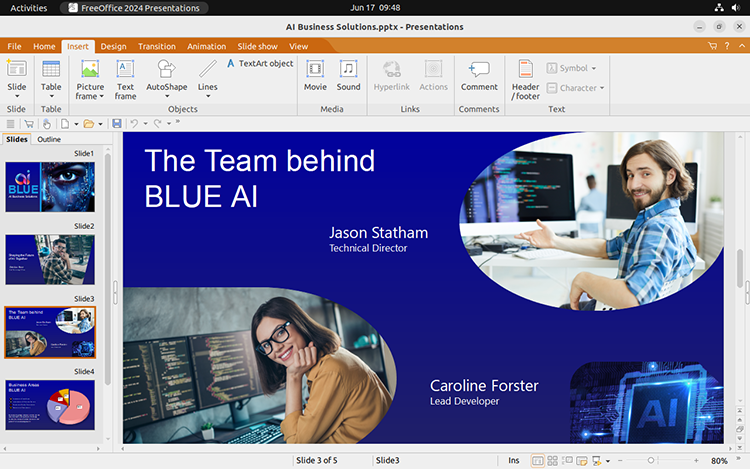
The best free alternative to Microsoft PowerPoint
With FreeOffice Presentations, you can create presentations that impress: Thanks to breathtaking animations and slide transitions as well as the sophisticated master page concept, you are perfectly prepared for any presentation.
FreeOffice Presentations is the best free alternative to Microsoft PowerPoint and offers you a wide variety of design and drawing functions: Insert pictures, drawings and text frames into your presentations, apply attractive font effects via the TextArt feature or just let one of the numerous attractive design templates do the design work for you.
FreeOffice Presentations opens and saves all Microsoft PowerPoint PPT and PPTX files. It also lets you create PDF files directly from within the application.
Features
Files and printing
- Presentations can be losslessly exchanged between any version of SoftMaker Presentations on any operating system.
- Open and save PPT and PPTX files from Microsoft PowerPoint in an identical format to the original files, including password-protected files
- Create PDF files directly in FreeOffice Presentations with your choice of slides, outlines, handouts and notes
- Export entire presentations as pictures
Design
- Numerous attractive design templates do the design work for you.
- Each template comes with an array of matching color schemes
- Design your own color schemes and switch between them at the touch of a button
- Slide layouts for flexible slide design
- Universal placeholders for text, pictures, tables, videos and sounds
- Sophisticated slide master concept
- Numerous picture bullets included
Managing and outlining
- Outliner (outline view)
- Integrated slide sorter for managing and reordering the slides
Animations and slide transitions
- Hundreds of different object and text animations available
- Ready-made animation schemes for animating entire presentations at once
- Numerous breathtaking animations and slide transitions based on OpenGL and Metal
Pictures and drawings
- Comprehensive drawing and picture functions: Draw and design directly in your document with PowerPoint-compatible AutoShapes
- Insert pictures in a range of file formats
- Change brightness, contrast and gamma of pictures directly in FreeOffice Presentations
- Colors, patterns and gradients
- Connector lines between objects
- Large symbol library for flowcharts and organizational charts
- TextArt feature for font effects
Multimedia
- Easily insert and play movie and sound files
- Automatic or action-triggered playing (via a click or mouseover) of multimedia files
- Play sounds across slides
Flexible presentation
- Both user-controlled and automatic presentations without a speaker (kiosk mode)
- Interactively present slide shows with a virtual pen and highlighter
- Notes as a memory aid for the speaker
- Handouts for the audience
Extras
- Fully Unicode-enabled, including Arabic
- Spell check in 85 languages
- Automatic hyphenation in 35 languages
NEWFreeOffice PlanMaker 2024
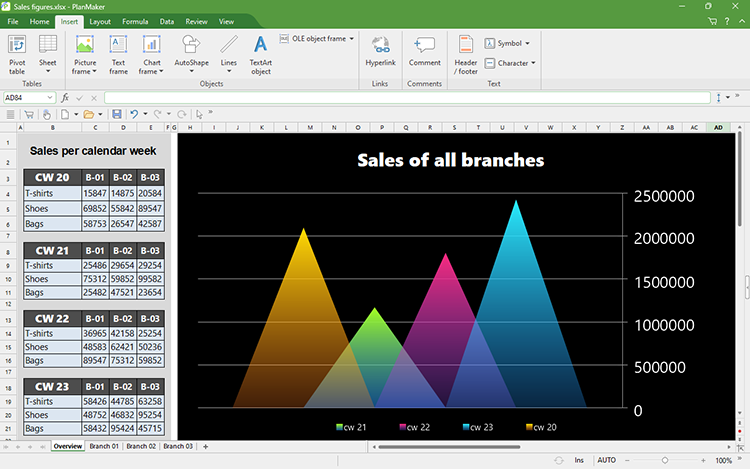
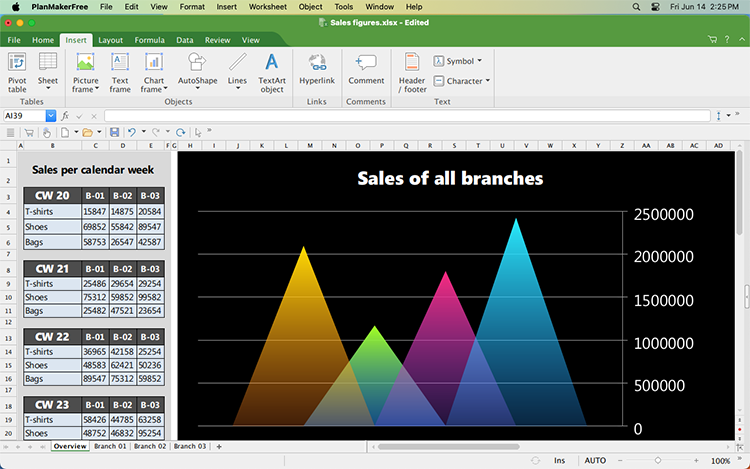
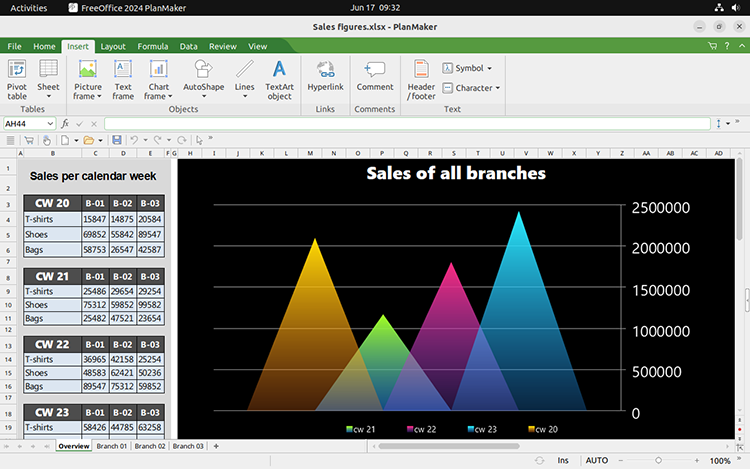
The best free alternative to Microsoft Excel
Create complex calculations, worksheets and charts easily with the powerful spreadsheet application FreeOffice PlanMaker, the best free alternative to Microsoft Excel.
More than 430 calculation functions and a wide variety of analysis features help you get the most out of your data. Large worksheets with up to one million rows and 16,384 columns are supported, as are pivot tables for quickly summarizing and analyzing your data.
FreeOffice PlanMaker opens and saves all Microsoft Excel XLS and XLSX files. You can also export your worksheets to PDF format.
Features
Files and printing
- Worksheets can be losslessly exchanged between any version of PlanMaker on any operating system.
- Open and save XLS and XLSX files from Microsoft Excel in an identical format to the original files, including password-protected files.
- Open OpenDocument Calc in an identical format to the original files
- Import and export assistant for text files and dBASE databases
- Create PDF files directly in FreeOffice PlanMaker
- Scale the printout so that it fits on a specified number of pages (five different scaling methods)
- Print 2, 4, 8 or 16 pages on one sheet of paper (only in Windows)
Extensive calculation capabilities
- More than 430 calculation functions
- Worksheets with 1 million rows and 16,384 columns
- Calculation with complex numbers and array functions
- Numbers can be formatted as currency units, with fixed decimal places and thousands separators, as percentages or fractions, as dates and times, etc.
- Perpetual time format (20:00 + 5:00 is 25:00 and not 1:00) which also allows negative times
- AutoSum, AutoProduct, etc.
- AutoFill: intelligent filling of cell areas with values and rows of values
- External references (calculations that access data in other files)
Editing worksheets
- Freeze rows and columns
- Syntax highlighting
- AutoComplete for cells
- Select and format multiple worksheets simultaneously
- Sheet, workbook and document protection with encryption
Analyzing data
- You can use pivot tables to summarize, sort, compare, evaluate and group data into categories.
- Goal seeker
- Create database ranges within worksheets
- Data grouping (outline view)
- Sort by up to 64 columns
- AutoFilter and special filters
- Database functions for totals, averages, variance, etc.
Creating attractive worksheets
- Cell styles as in Microsoft Excel 2021 and Excel 365
- Conditional formatting as in Microsoft Excel 2021 and Excel 365
- Borders, shading and fill patterns
- Rotate and merge cells
- Center across columns
- Headers and footers (split into left, center and right sections)
- Colored tabs for worksheets
- Set the size of the tabs in the worksheet register
Pictures and drawings
- Comprehensive drawing and picture functions: Draw and design directly in the worksheet with Excel-compatible AutoShapes
- Insert pictures in a range of file formats
- Change brightness, contrast and gamma of pictures directly in FreeOffice PlanMaker
- Fill drawings with colors, patterns, pictures and gradients
- Contour wrap
- Connector lines between objects
- Large symbol library for flowcharts and organizational charts
- TextArt feature for font effects
Presenting and visualizing data
- Powerful Excel-compatible chart module for impressive charts
- Insert more than 80 different types of charts, for example, bar charts, histograms and pie charts
- Impressive effects on charts: soft shadows, beveled edges, transparencies, lighting sources, etc.
- Charts can be rotated in 3D space.
Extras
- Fully Unicode-enabled, including Arabic
- Spell check in 85 languages
- Automatic hyphenation in 35 languages
NEWFreeOffice TextMaker 2024
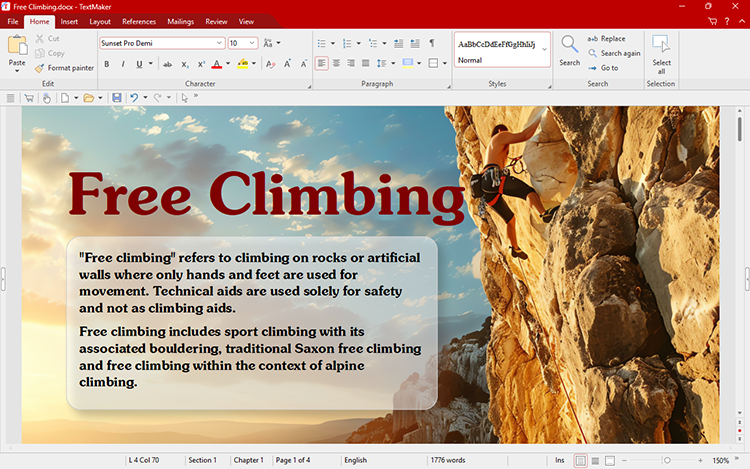
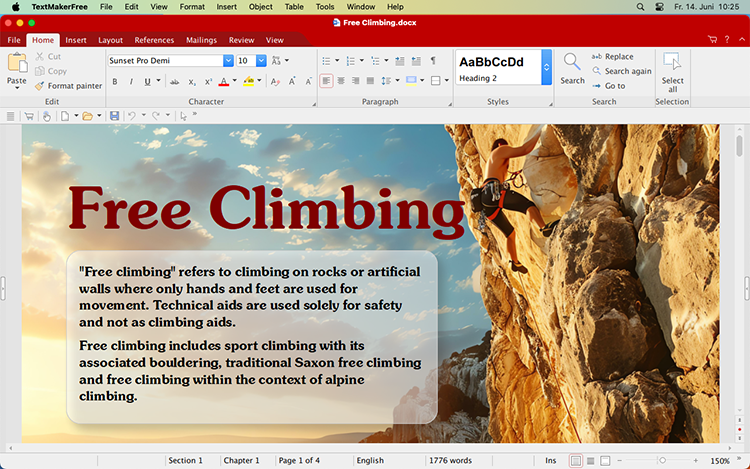
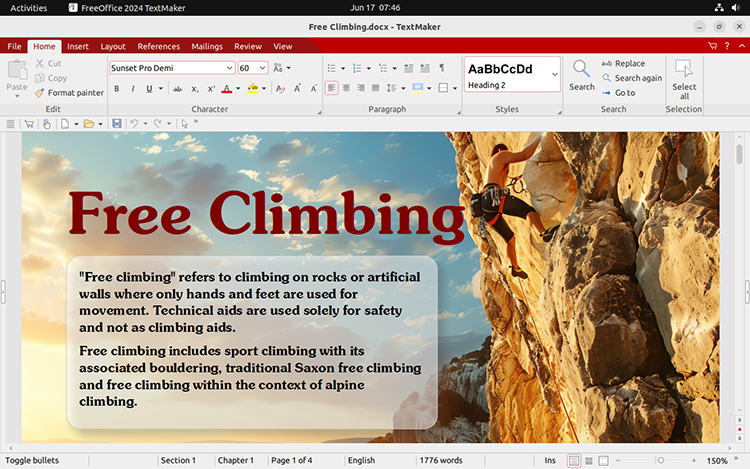
The best free alternative to Microsoft Word
Create all types of documents in no time with the FreeOffice TextMaker word processor, the best free alternative to Microsoft Word: Design flyers or brochures just as easily as you write business letters or personal documents.
FreeOffice TextMaker supports spell checking via Hunspell dictionaries, thus helping you find typos in 85 languages.
FreeOffice TextMaker opens and saves all Microsoft Word DOC and DOCX files. It also lets you create PDF files directly from within the application.
Features
Files and printing
- Documents can be exchanged losslessly between any version of TextMaker on any operating system.
- Open and save DOC and DOCX files from Microsoft Word in an identical format to the original files, including password-protected files
- Open and save documents in OpenDocument Text, RTF and HTML formats.
- Open WordPerfect (.wpd) documents (only in Windows)
- Assistant for importing and exporting text files
- Create PDF files directly in FreeOffice TextMaker
- Print 2, 4, 8 or 16 pages on one sheet of paper (only in Windows)
Pictures and drawings
- Comprehensive drawing and picture functions: Draw and design directly in your document with Word-compatible AutoShapes
- Insert pictures in a range of file formats
- Change brightness, contrast and gamma of pictures directly in FreeOffice TextMaker
- Fill drawings with colors, patterns, pictures and gradients
- Contour wrap
- Connector lines between objects
- Large symbol library for flowcharts and organizational charts
- TextArt feature for font effects
Editing and formatting
- Insert date, time, page numbers, etc.
- Calculation in both the text and tables
- Borders, shading, fill patterns, drop caps, paragraph control
- Paragraph and character styles
- Hidden and protected text
- Bullets and numbering
- Automatic numbering of lines, paragraphs, lists and headings
- Real master pages, not just simple headers and footers
Tables
- Complex, nested and multi-page tables
- Design tables using borders, fills and colors
- Cells can be merged, split and rotated.
- Repeating rows (headings are automatically repeated at the top of each new page)
- Tables may be positioned anywhere on the page.
Language tools
- Automatic spell-check in 85 languages: Incorrectly written words are underlined in red.
- Automatic hyphenation in 35 languages
Extras
- Fully Unicode-enabled
- Extended support for Asian fonts and Arabic
- Complete database module integrated for SQLite and dBASE databases
NEWFreeOffice 2024
The best free alternative to Microsoft Office
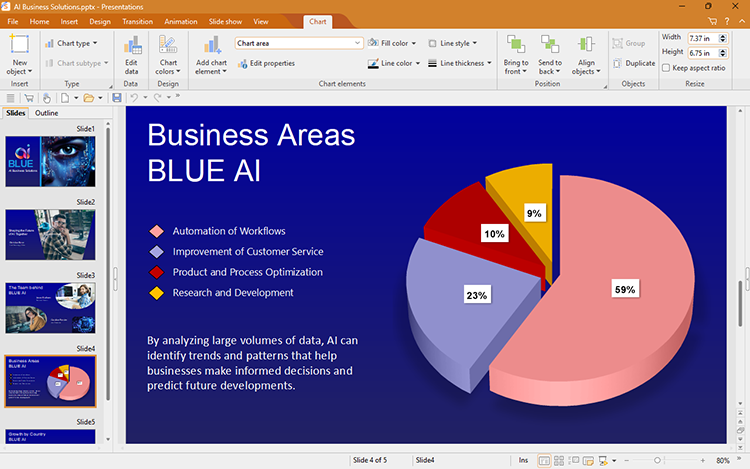
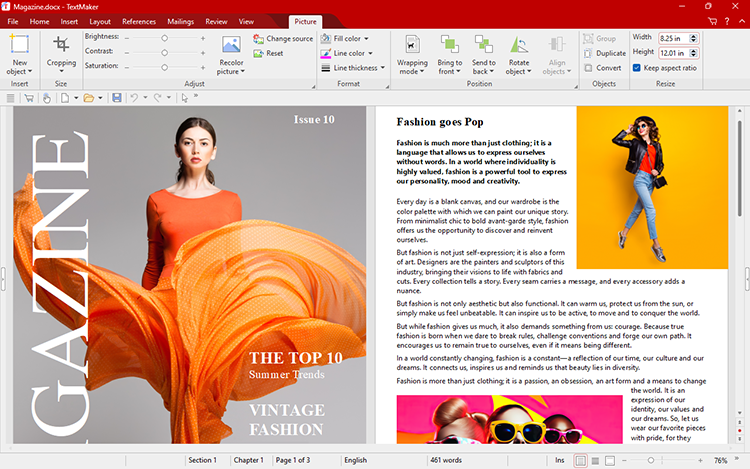
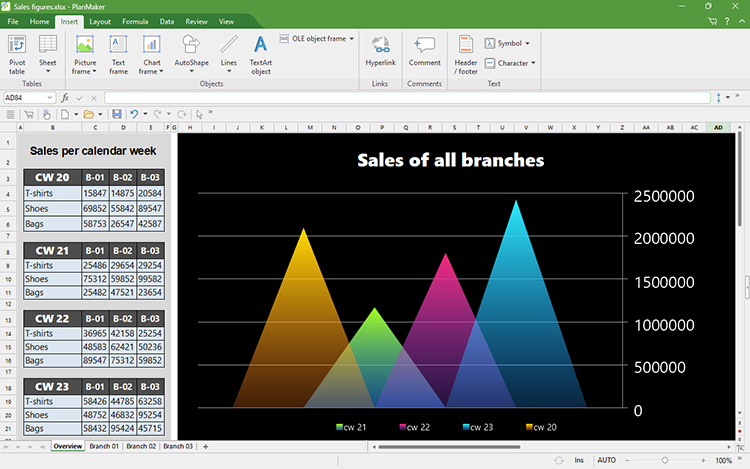
Always free to use with Windows, Mac and Linux
FreeOffice 2024 is a full-featured Office suite with a word processor, a spreadsheet program and presentation software.
Best of all, FreeOffice 2024 is completely free, both for business and personal use.
It's your choice: ribbons or classic menus


Try it
FreeOffice 2024 has a switchable user interface. You can work with either modern ribbons or classic menus and toolbars. Even better: Menus are also available with the ribbon user interface. This makes switching from the old user interface especially easy.
The Quick access toolbar lets you access the most important functions quickly.
Optimized for touchscreens


Try it
If you use a computer with a touchscreen, you can now switch to touch mode with larger icons and increased spacing between user interface elements. This new touch mode is available both with ribbons and with the classic menu-based user interface.
 TextMaker
The powerful word processor FreeOffice TextMaker combines ease of use with a huge range of features that enable you to effortlessly create beautiful documents.
 PlanMaker
FreeOffice PlanMaker lets you effortlessly create calculations, worksheets and charts. With more than 430 built-in calculation functions, you can solve even the most difficult calculations.
 Presentations
FreeOffice Presentations lets you create amazing presentations and set your slides in motion with a huge selection of breathtaking animations and slide transitions.